How to Use Google Business Profile to Drive More Gym Visits From Local Search
Click Below To Share & Ask AI to Summarize This Article
Why Google Business Profile Is the Most Important Local Marketing Tool You Have
When someone in your town searches “gym near me” or “gym in [your area]”, the results they see first are not your website, your Instagram page, or your Trustpilot reviews. They are Google Business Profiles — the map pack of three local businesses displayed at the top of the results page, with ratings, opening hours, photos, and a direct click to call or get directions. If your gym is not in that map pack, you are invisible for the highest-intent local searches your prospective members perform. is free. It requires no paid advertising. Optimising it takes a few hours initially and a small ongoing effort each month. Yet most independent gyms in the UK have incomplete, unmanaged profiles that underperform badly against what a well-maintained listing can do. This guide covers everything you need to do to get your GBP performing at its best.
Claiming and Verifying Your Profile
If you have not claimed your Google Business Profile, that is the first step. Search for your gym name on Google Maps — there may already be an unclaimed listing. If so, claim it. If not, create one at business.google.com.
Verification is required before your profile becomes fully active. Google typically verifies by postcard (a code mailed to your business address), though phone and email verification are sometimes offered for established businesses. The postcard arrives in 5–14 days; do not skip this step, as an unverified profile has significantly reduced visibility.
Completing Your Profile: The Non-Negotiables
Google’s algorithm rewards completeness. A fully completed profile ranks higher in local results than an incomplete one. Every field matters:
Business name
Use your actual business name — do not stuff keywords into it (e.g., “FitZone Gym Manchester Weight Training”) as this violates Google’s guidelines and can result in your listing being suspended. Your name is your name.
Category
Your primary category should be “Gym” or “Fitness Centre.” Add secondary categories for any specialisms that are genuinely part of your offering: “Personal Trainer“, “Boxing Gym”, “Yoga Studio”, “Pilates Studio”, “Crossfit Gym” where accurate. Do not add categories that do not describe your actual services.
Address and service area
Enter your full physical address precisely. If you serve members from multiple postcodes (e.g., you draw from several nearby towns), add a service area — this extends the geographical range in which your listing can appear.
Opening hours
Complete and accurate hours are essential. Incorrect hours are one of the most common reasons members leave negative reviews — they drove to the gym and found it closed. Update hours for bank holidays and any seasonal changes proactively.
Phone number and website
Use a phone number that is answered or has a professional voicemail. Link to your main website, not a social media page.
Description
You have 750 characters. Use them to describe what makes your gym distinctive — your equipment, your community, your trainers, your approach — and include your location naturally. Write for a prospective member reading it, not for a search algorithm. Natural language with relevant terms (independent gym, [town name], personal training, group classes) will serve you better than keyword stuffing.
Photos: The Section Most Gyms Under-Invest In
Profiles with photos receive significantly more clicks and direction requests than those without. Your photos are a prospective member’s first visual impression of your gym — they need to show a clean, well-equipped, welcoming environment.
What to upload:
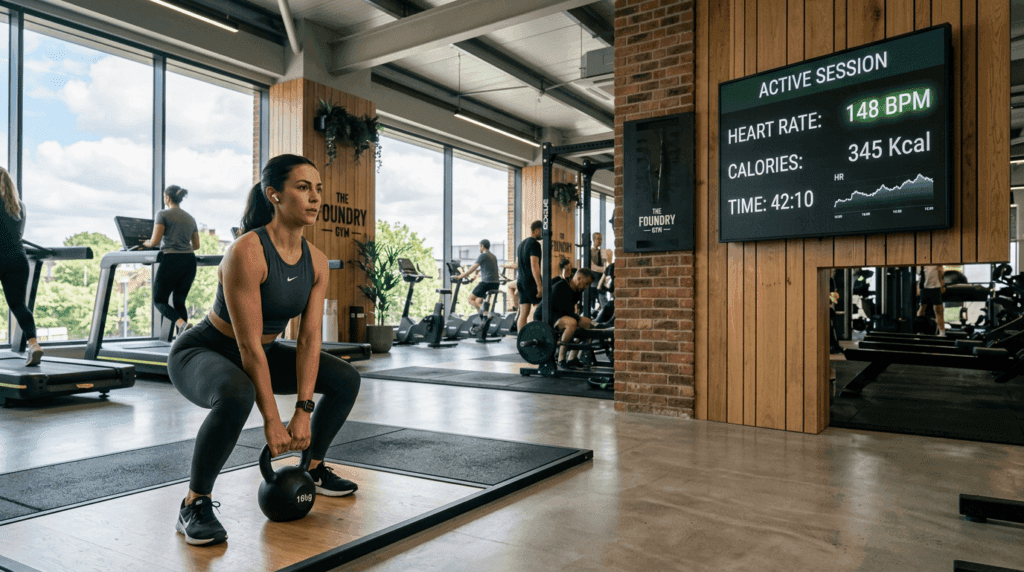
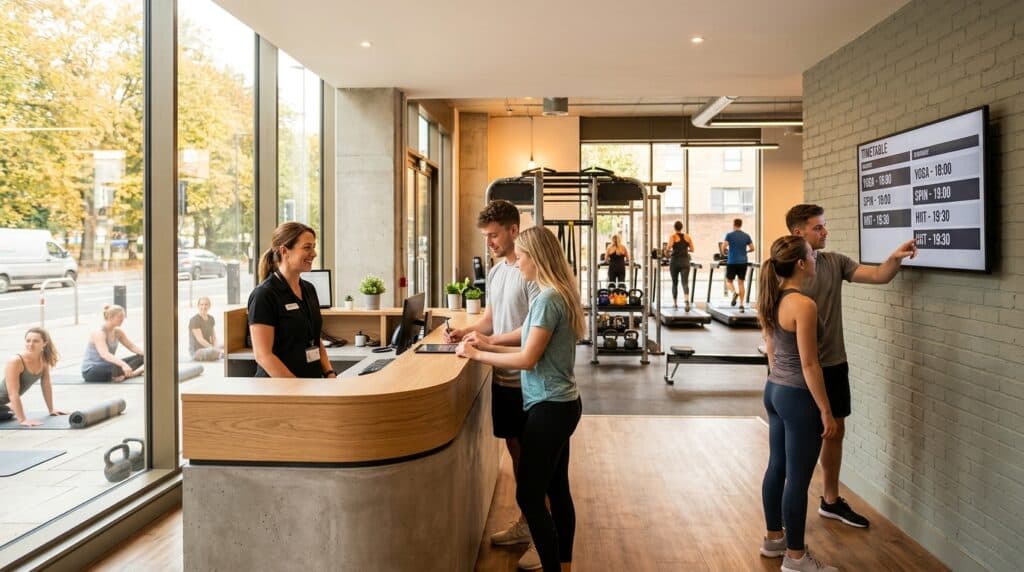
- Interior photos: The gym floor from multiple angles, the free weights area, the cardio equipment, the changing rooms. Natural light and clean equipment photograph well; a cluttered, poorly lit space will put people off regardless of how good the gym actually is. If your phone camera produces poor results, one session with a local photographer (£100–200) will pay for itself many times over in additional enquiries.
- Exterior photos: The entrance, the signage, the car park if relevant — anything that helps a new visitor identify the building when they arrive for the first time.
- Team photos: Your coaches and staff. Put faces to the business. People choose gyms partly on the basis of whether they feel comfortable with the staff.
- Classes and sessions in action: With member consent, photos of classes, group sessions, or PT sessions in progress. These convey energy and community better than empty-gym shots.
Aim for a minimum of 20 photos. Upload new photos periodically — Google rewards profiles that are actively maintained with better ranking.
Google Reviews: Your Most Powerful Ranking and Conversion Signal
Reviews affect both your search ranking and your conversion rate when someone does find your profile. A gym with 4.7 stars and 120 reviews will outperform a gym with 5 stars and 6 reviews every time — volume and recency both signal trustworthiness.
Asking for reviews
The most effective approach is direct and personal: ask members at a moment when they are genuinely happy — after they hit a new PB, complete a programme, or express satisfaction to a staff member. “If you’re happy with what we’re doing, it would mean a lot if you left us a Google review — it helps other people in [area] find us.” Send a follow-up message with the direct review link (found in your GBP dashboard under “Get more reviews”).
Do not offer incentives for reviews — this violates Google’s policies and can result in review removal or profile suspension. Do not ask for reviews in bulk via a mass email; Google’s algorithms detect unnatural review patterns. Ask consistently, person by person, over time.
Responding to reviews
Respond to every review — positive and negative. For positive reviews, a brief, warm, specific response (not a template) shows that the business is active and cares about its members. For negative reviews, respond calmly, acknowledge the experience, and offer to resolve it offline. A business that handles negative reviews professionally often converts better than one with only positive reviews and no responses — it demonstrates genuine engagement.
Posts: The Feature Most Gyms Ignore Completely
Google Business Profile allows you to publish posts — short updates that appear on your listing. Most gyms never use this feature; those that do have a meaningful advantage because posts signal to Google that the profile is actively maintained, which improves ranking.
Post once or twice per week. Useful post types:
- Offers (new member promotions, open day announcements)
- Events (new class launch, PT availability, community workout)
- Updates (new equipment, extended hours, team news)
- Training tips or brief coaching content
Posts expire after seven days unless they are events with a future date. Keep a simple calendar of your planned posts and schedule them at the start of each week.
Questions and Answers
The Q&A section of your GBP allows anyone to ask a question — and anyone to answer it. This means competitors or disgruntled individuals can theoretically post misleading answers if you are not monitoring it. Check your Q&A section monthly and answer all questions promptly. You can also seed the Q&A section yourself by asking and answering common questions: “Does [Gym Name] offer day passes?”, “Is there parking at [Gym Name]?”, “What are the membership options?” — this pre-empts the questions prospective members would ask and gives you control over the answers.
Tracking Performance
Your GBP dashboard provides data on how many people have viewed your profile, clicked to call, requested directions, or visited your website from your listing. Check this monthly. Key metrics to watch:
- Search impressions: How many times your profile appeared in search results. An upward trend indicates improving ranking.
- Direction requests: Highly correlated with actual visits. If direction requests drop after a period, check whether your hours, address, or photos have changed in a way that might be reducing trust.
- Photo views vs competitor photo views: GBP provides a comparison. If competitor profiles have significantly more photo views, uploading more photos can narrow the gap.
GymPal lists independent gyms across the UK in a dedicated directory that complements your Google presence. Claim your free GymPal listing — and ensure that wherever a potential member searches for a gym in your area, your gym is visible, credible, and easy to find.

I am Adam Hall, a dedicated fitness professional with over ten years of experience in the UK’s fitness industry. I earned my Master’s degree in Sports Science from Loughborough University and have worked with several top fitness studios across the UK. My certifications include a Level 3 Personal Trainer Certificate and a specialised Strength and Conditioning Coach accreditation.
Starting my career as a personal trainer, I quickly moved up to manage multiple gym locations, overseeing their operations and training programs. Beyond managing gyms, I regularly contribute to well-known fitness magazines and have been featured in articles for “Health & Fitness” and “Men’s Health”. My passion also extends online where I run a popular blog on GymPal’s AI-powered directory platform detailing insights into choosing the right fitness venues across the UK. With hundreds of posts reaching thousands of readers monthly, my goal is to influence positive changes in how people approach health and exercise throughout the country.