How to Build a Gym Website That Actually Converts Visitors Into Members

Click Below To Share & Ask AI to Summarize This Article
Your Website Is Your Most Important Sales Tool — Treat It Like One
Most independent gym websites were built once, by whoever was cheapest at the time, and have not changed significantly since. The timetable is three months out of date. The prices are missing or vague. The “join now” button goes to a contact form rather than a sign-up flow. The homepage photo is of empty equipment in dim lighting..
Class Timetable
Must be current. An outdated class timetable is one of the most common and most damaging website mistakes. A visitor who checks your timetable, sees a class they want to attend, and then arrives to find the class was discontinued 6 months ago is not coming back. Keep the timetable live, accurate, and easy to navigate.
About / Team
People join gyms for people as much as for facilities. An about page with real photos and brief bios of your owner, manager, and key PTs transforms your gym from an anonymous facility into a place with personality and faces. “Meet the team” pages consistently outperform on engagement metrics for service businesses — visitors spend more time on them than on almost any other page.
Facilities / What’s Here
A clear description of your gym floor, equipment, changing rooms, and any specialist areas (functional zone, studio, outdoor space). Include photos taken in good lighting — this is not an area to economise on.
Contact and Find Us
Address, phone number, email, opening hours, a map embed. This seems obvious but many gym websites bury contact information. Your address should be in your website footer on every page, not only on a dedicated contact page.
Blog / Resources (Optional but valuable)
A regularly updated blog builds SEO, provides social media content, and demonstrates expertise. Even 2–3 posts per month adds up over a year to a significant content library that improves your search visibility for fitness-related local queries.
What Makes a Homepage Convert
Clear value proposition above the fold
“Above the fold” means what a visitor sees before scrolling. Your homepage headline should state what your gym offers and for whom — not your gym’s name (they can see that in the browser tab) but a benefit statement: “Expert coaching, real community — [Your Town]’s independent gym” or “Where [Your Town] gets fit — no contracts, all levels welcome.”
A single, prominent CTA
Every homepage needs one primary call to action that is visible before scrolling: “Get Your Free Week”, “Book a Tour”, “Join Today”. One CTA, one button, high contrast, above the fold. Homepages with multiple competing CTAs (tour, timetable, about us, contact, blog) suffer from what UX researchers call “choice paralysis” — visitors who cannot decide which to click often click nothing.
Social proof near the top
A star rating, a count (“Join 450+ members”), or 2–3 short member quotes near the top of your homepage. Social proof reduces the uncertainty visitors feel about an unknown business. Even something as simple as “★★★★★ Rated 4.9 on Google — 120 reviews” placed near your CTA measurably increases conversion.
Authentic photography
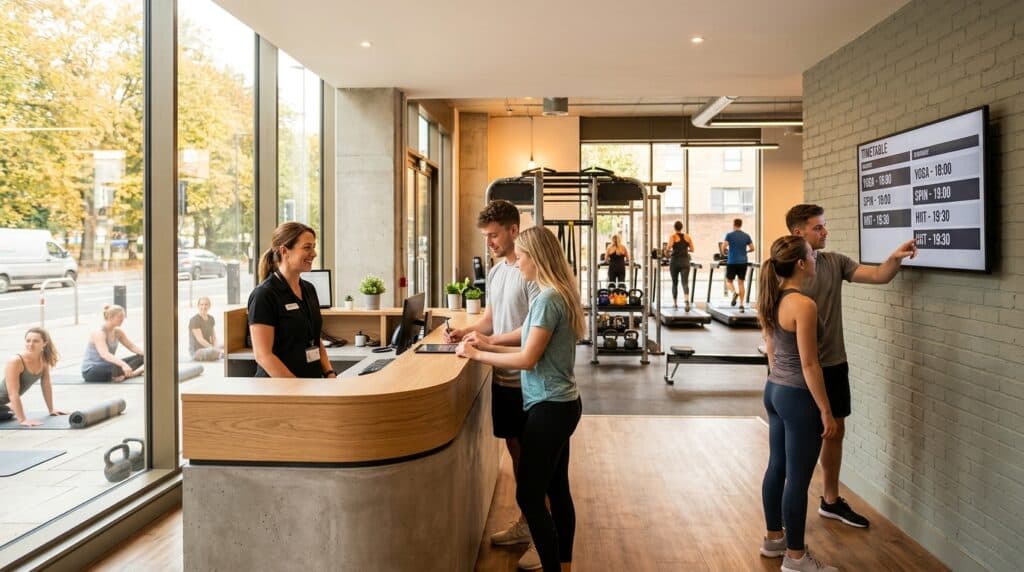
Real photos of real members training in your gym convert better than stock photography every time. A photo of your Saturday morning class — people actually there, moving, smiling — tells a prospective member more about your gym culture than any written description. Invest in a half-day photography session once a year; the content provides your website and social media for months.
Mobile Optimisation: No Longer Optional
The majority of people who search for a local gym on Google are doing so on a mobile phone. If your website is not optimised for mobile — if text is too small to read without zooming, if buttons are too close together to tap accurately, if the join form is a multi-field desktop layout that is painful to complete on a phone — you are losing the majority of your prospective members at the point of highest intent.
Test your own website on your phone right now. Try to find the membership prices, check the timetable, and complete the contact form. If any of those steps are frustrating on mobile, fix them before doing anything else.
Most modern website platforms (WordPress with a good theme, Squarespace, Wix, Webflow) produce mobile-responsive sites by default — but responsive does not always mean well-designed on mobile. Review your mobile experience specifically, not just whether it technically loads.
Page Speed: The Technical Factor That Affects Everything
Google’s research consistently shows that mobile page load times above 3 seconds lose more than half their visitors before the page has finished loading. A slow gym website is one that prospective members leave before they have read a single word.
Common speed problems on small business websites:
- Uncompressed images — a homepage with five full-resolution photos uploaded directly from a camera can be 15–20MB and take 8–10 seconds to load. Compress images to under 200KB per image before uploading (free tools: Squoosh.app, TinyPNG).
- Too many plugins (WordPress) — every active plugin adds loading time. Audit your WordPress plugins annually and remove anything you are not actively using.
- Cheap shared hosting — budget web hosting (under £3/month) often results in slow server response times. A modest upgrade to better hosting (£10–20/month) can significantly improve page speed.
Test your page speed with Google PageSpeed Insights (pagespeed.web.dev) — it is free, shows your score on mobile and desktop, and identifies the specific issues to fix in priority order.
Online Booking and Sign-Up Integration
The single most impactful improvement many independent gym websites can make is adding online joining. A prospective member who wants to join at 10pm on a Sunday should be able to complete the process on your website without waiting for someone to call them back on Monday.
Most gym management software platforms (Glofox, TeamUp, ClubRight, PerfectGym, Mindbody) include a bookable widget or join page that can be embedded in or linked from your website. If your software does not support this, even a Stripe payment link on your membership page with a simple form allows online joining without complex integration.
Online booking for classes has a similar impact on conversion — a visitor who can see available spaces and book in 30 seconds is more likely to commit than one who must email or call to check availability.
Local SEO On-Page Factors
For local search visibility, several on-page factors matter:
- NAP consistency — your Name, Address, and Phone number must be identical across your website, Google Business Profile, and any directory listings. Inconsistencies confuse Google’s local ranking algorithm.
- Location keywords in page titles and headings — “Gym in [Your Town]” or “[Your Town] Fitness Centre” in your homepage title tag and H1 heading tells Google what you are and where you are.
- Location page — if you serve multiple towns or areas, a dedicated page for each location (or area guide) can capture search traffic for those specific queries.
- Schema markup — adding LocalBusiness schema markup to your homepage helps Google understand your business type, address, and opening hours. Most WordPress SEO plugins (Yoast, RankMath) handle this automatically.
Common Mistakes to Fix Today
- No prices on the website — visitors who cannot find your prices often assume you are expensive and leave. Show your prices.
- Outdated timetable — if you cannot keep your timetable current on your website, link directly to your booking software’s live timetable page instead.
- No online joining option — if joining requires calling the gym or visiting in person, you are losing members who are ready to commit right now.
- Homepage that loads too slowly — fix image compression and test with PageSpeed Insights.
- Generic stock photography — replace with real photos of your gym and members.
- No mobile testing — test every key journey (finding prices, booking a class, making an enquiry) on a phone.
- No testimonials or reviews — social proof is one of the highest-impact conversion elements available to you, and most gym websites include none.
The Website That Earns Its Keep
A gym website that converts well is not technically complex or expensive to build. It is clear, fast, mobile-friendly, honest about its pricing, and makes it easy to take the next step. The gyms that benefit most from website improvements are often those whose existing sites are doing active damage — losing members who would otherwise join — rather than simply missing opportunities. If your website is one of those, fixing it is the highest-return marketing activity available to you.
GymPal provides UK gym-seekers with a dedicated directory of independent gyms. Claim your free GymPal listing and give every member your website attracts a second place to find you online.

I am Adam Hall, a dedicated fitness professional with over ten years of experience in the UK’s fitness industry. I earned my Master’s degree in Sports Science from Loughborough University and have worked with several top fitness studios across the UK. My certifications include a Level 3 Personal Trainer Certificate and a specialised Strength and Conditioning Coach accreditation.
Starting my career as a personal trainer, I quickly moved up to manage multiple gym locations, overseeing their operations and training programs. Beyond managing gyms, I regularly contribute to well-known fitness magazines and have been featured in articles for “Health & Fitness” and “Men’s Health”. My passion also extends online where I run a popular blog on GymPal’s AI-powered directory platform detailing insights into choosing the right fitness venues across the UK. With hundreds of posts reaching thousands of readers monthly, my goal is to influence positive changes in how people approach health and exercise throughout the country.